
Body measurements & history
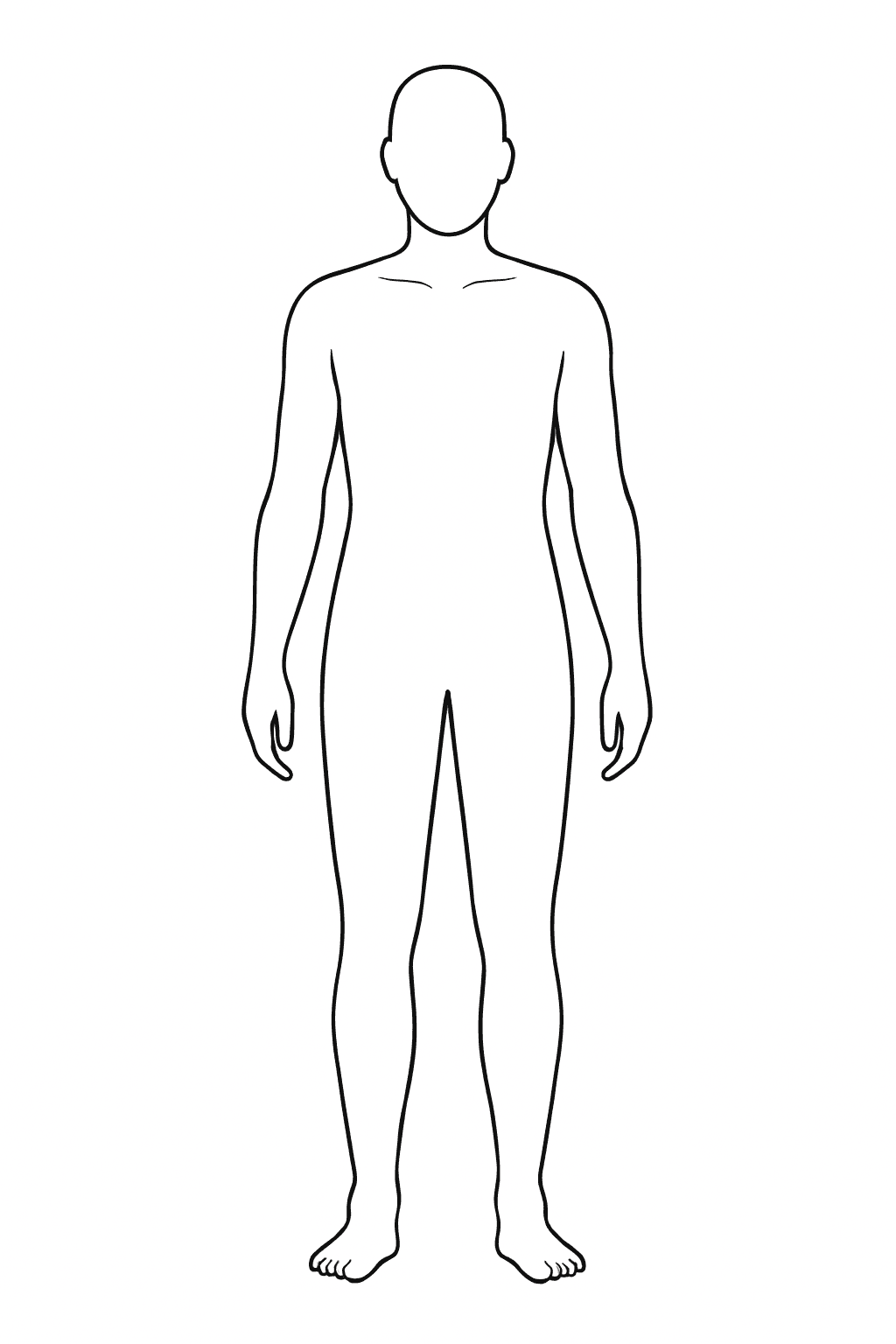
Save your body circumferences (waist, hip, arms, legs …) with a timestamp and watch the progression over weeks and months. Local, no account.
Note: measurements depend on daily condition. Measure in the morning fasted and always at the same anatomical points — otherwise the deltas are noise, not signal.
Body Fat & Measurements
Enter your circumferences for body fat calculations and save them for later comparison.
History
No entries yet. Enter your current values and hit "Save snapshot".
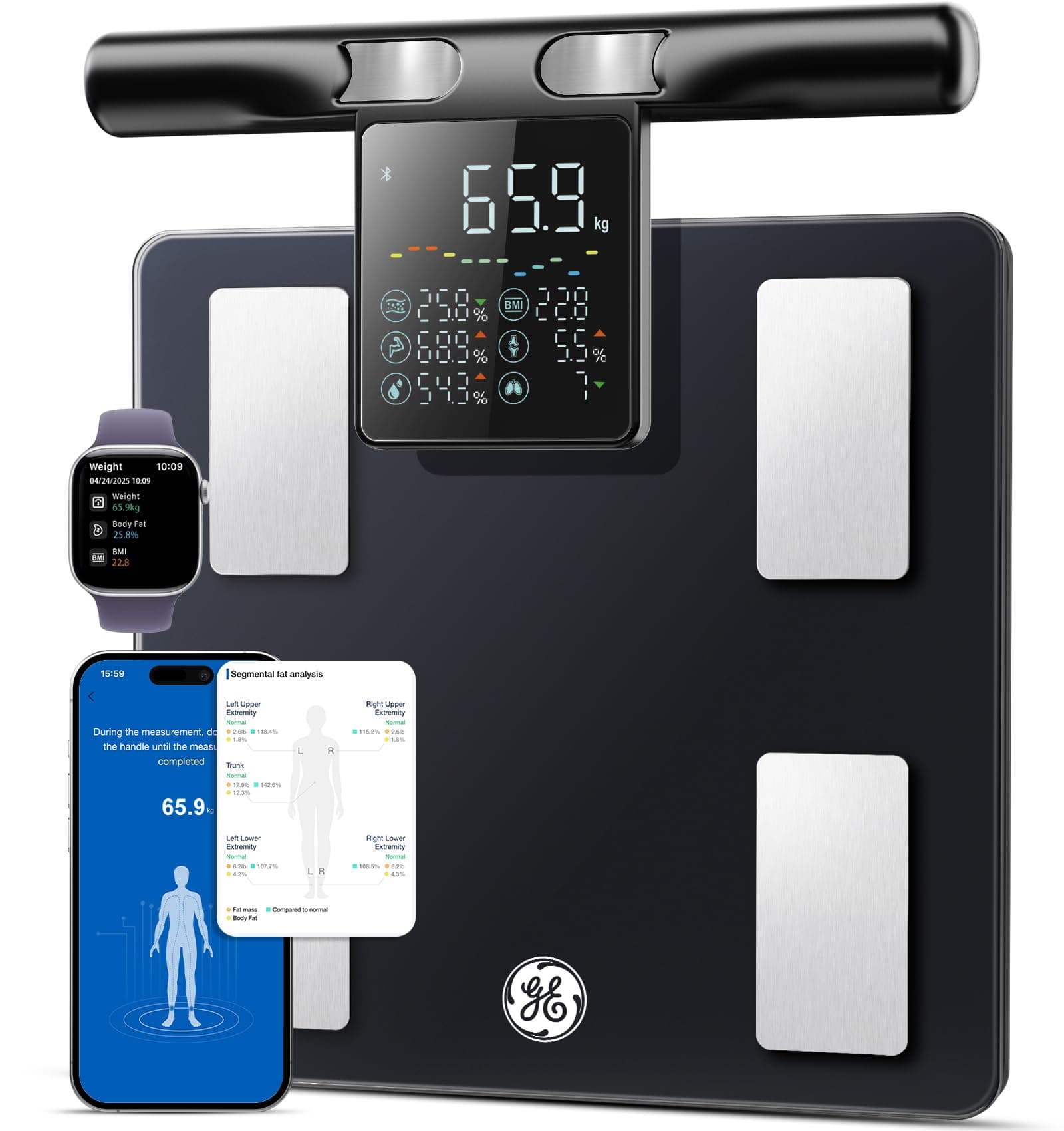
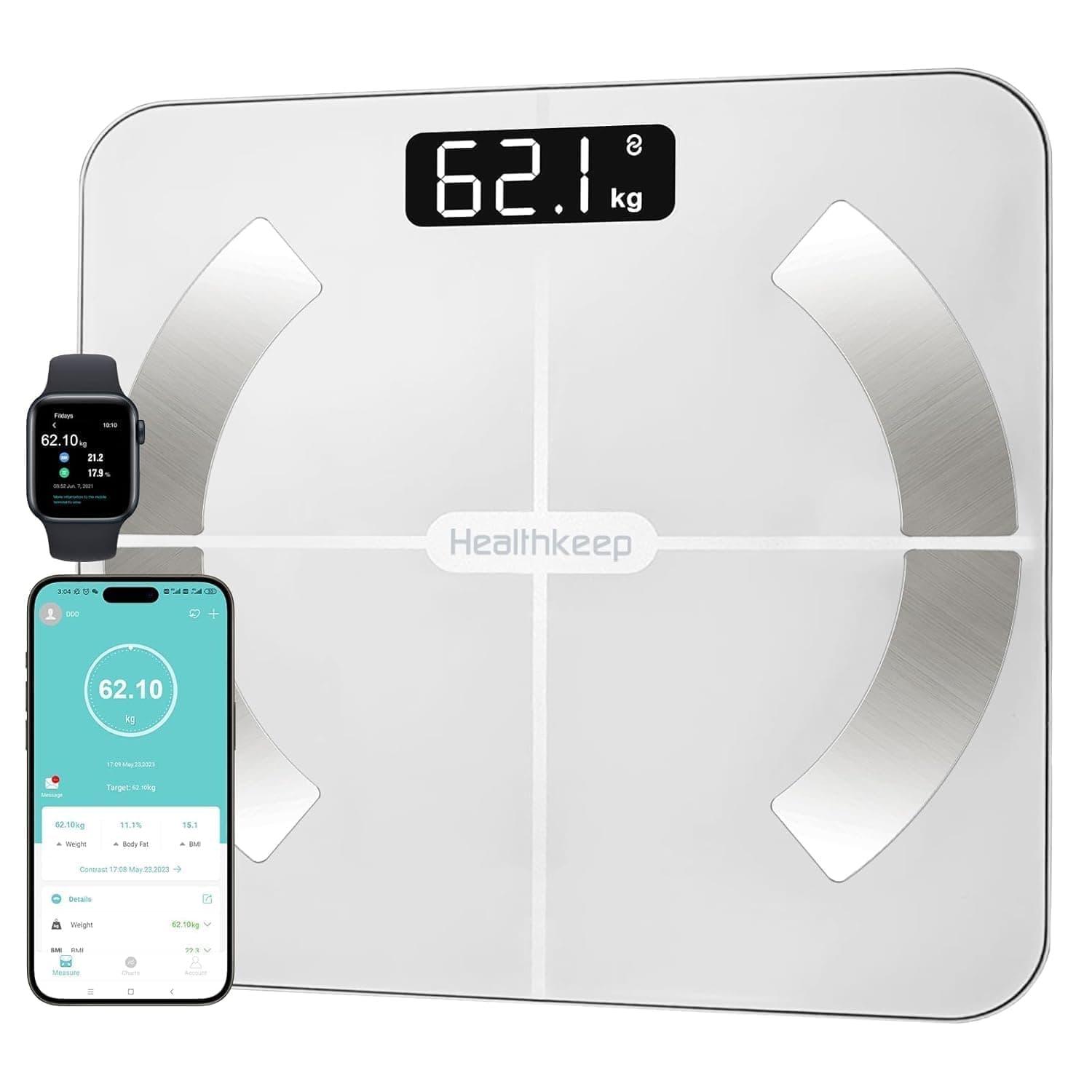
Matching your resultAdvertisingCompare all 13
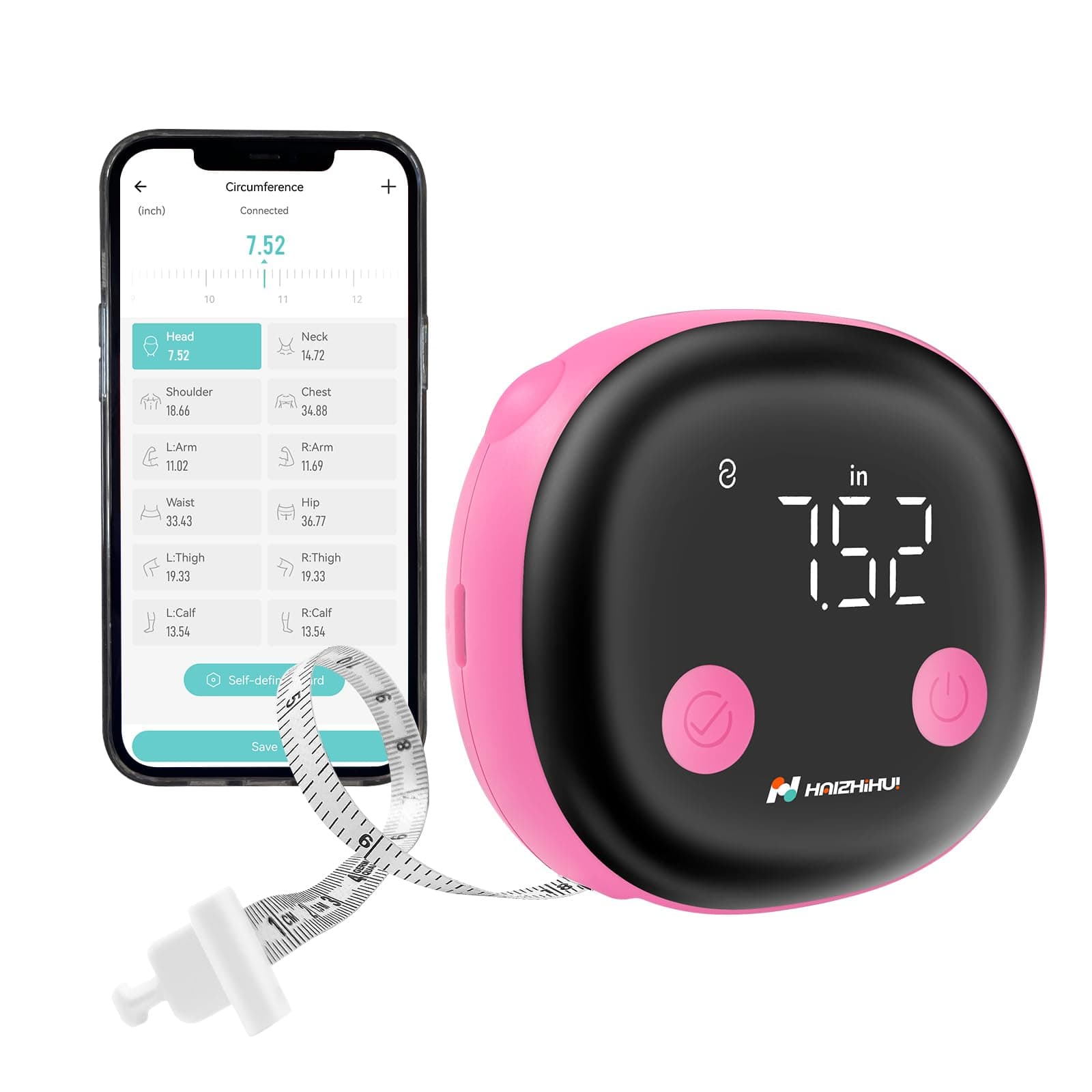
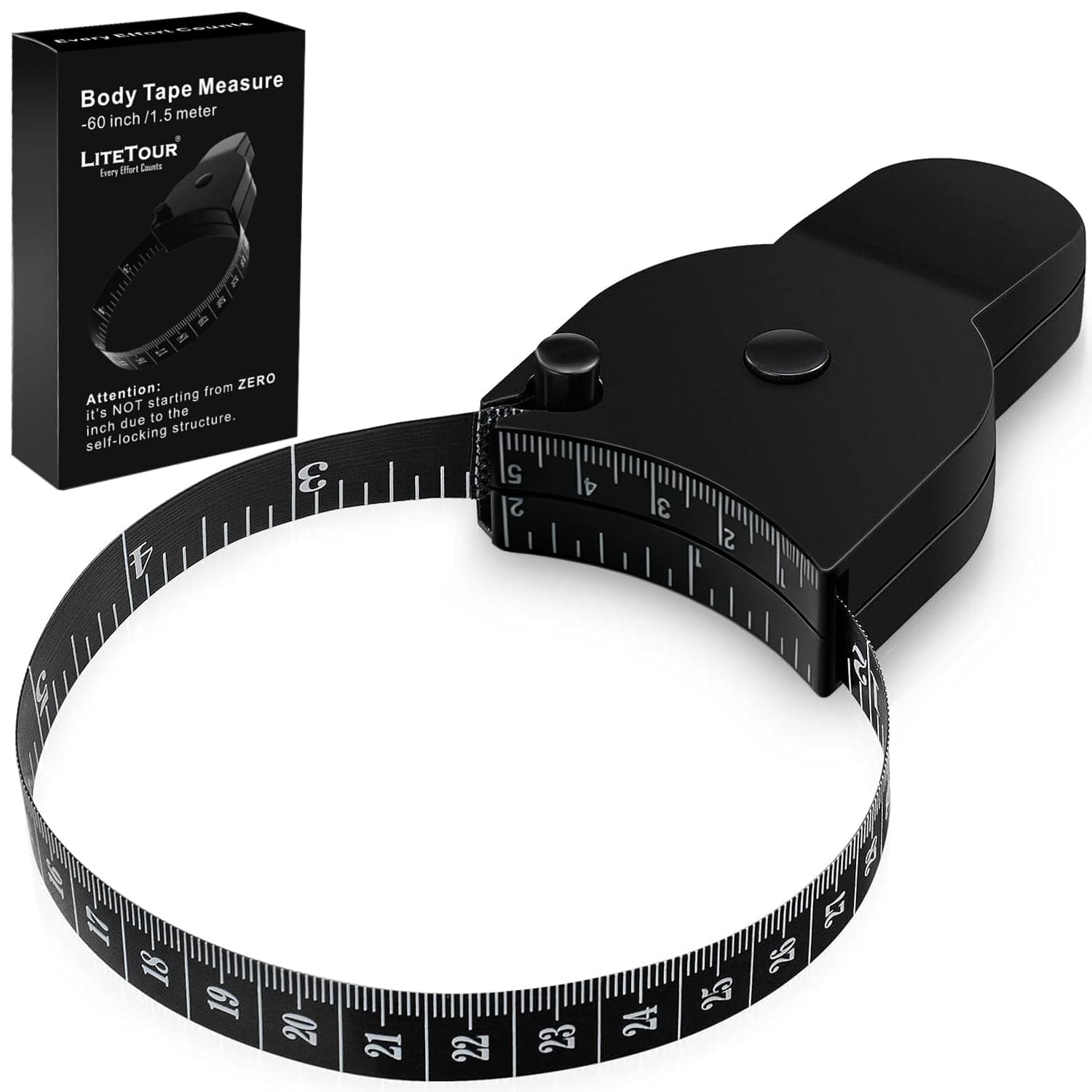
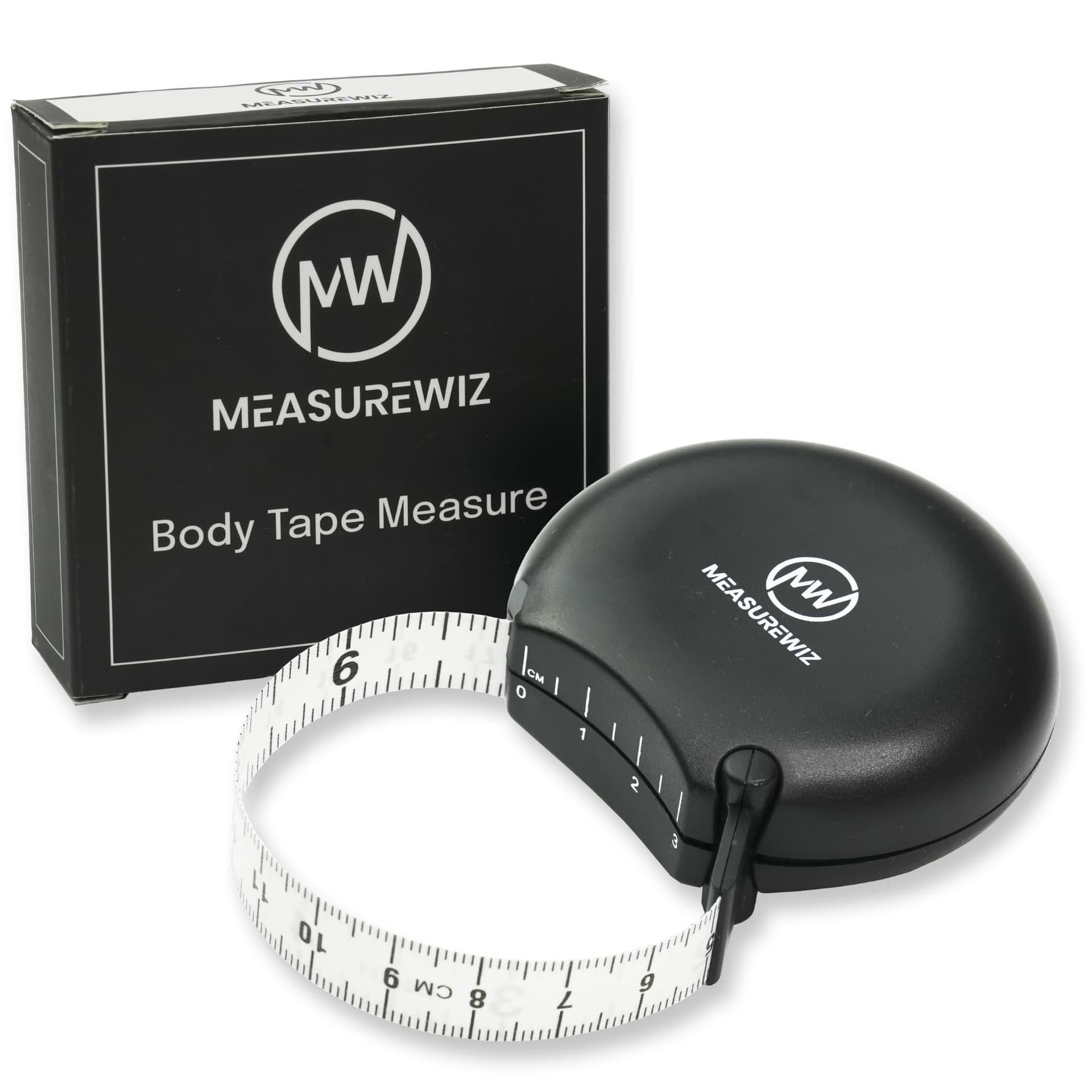
* Advertising / affiliate link: As an Amazon Associate I earn from qualifying purchases – at no extra cost to you.
Also in comparison


Frequently Asked Questions
4Methodology
How does the tracker work?
Methodology
How does the tracker work?
- Enter your current weight and the circumferences you measure regularly
- Hit "Save snapshot" — we attach a timestamp
- Each new snapshot shows the delta to the previous one
- The history lives only locally in this browser — no server, no account
The last 60 entries are kept. If you save more often, older entries roll off automatically (FIFO).
1How do I measure circumferences correctly?
Wrap the tape snug but not constricting. Waist: narrowest spot, one handwidth above the navel. Abdomen: at navel height. Hip: widest spot of the glutes. Always the same anatomical point — small shifts produce large delta errors.
2How often should I track?
Weekly is enough for most cut or bulk phases. Daily fluctuations (water, digestion) are bigger than the weekly change — daily data produces noise, not signal.
3Is this synced with the ideal-weight tool?
Weight yes — when you enter it here it also shows in other tools (shared fitness profile). The circumferences stay snapshot-specific and only visible here.
4What happens if I clear the browser cache?
The snapshots are gone. For longer-term storage export them regularly (upcoming feature) or copy the values into your own notes.